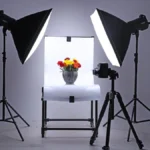
Practical, workshop‑style steps to improve product photos using minimal gear, better light, intentional composition, and honest editing.
Technical skill only gets you so far. Here's a practical guide to finding the recurring choices, habits, and instincts that make your photography unmistakably yours.
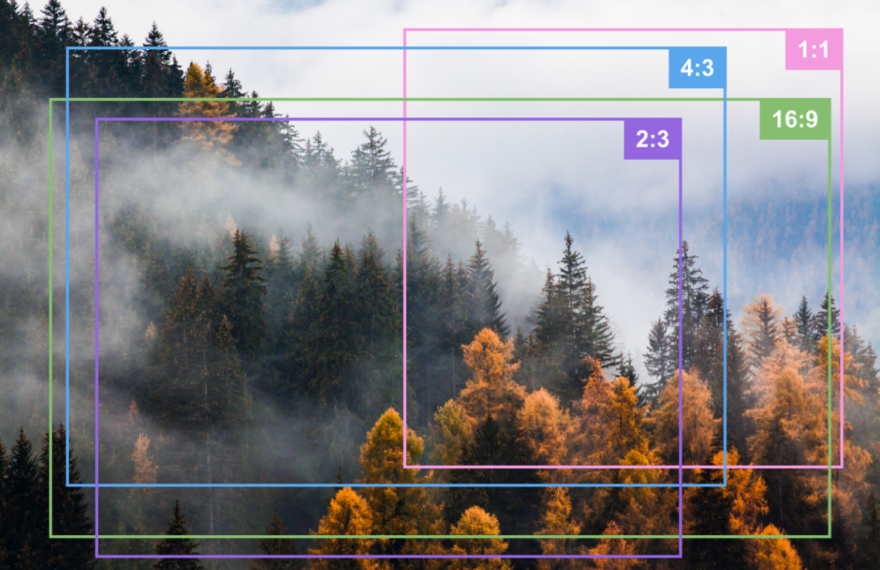
Aspect ratio affects how your photos look, crop, print, and perform online. Learn the most common image ratios and how to choose the right one for every shot.
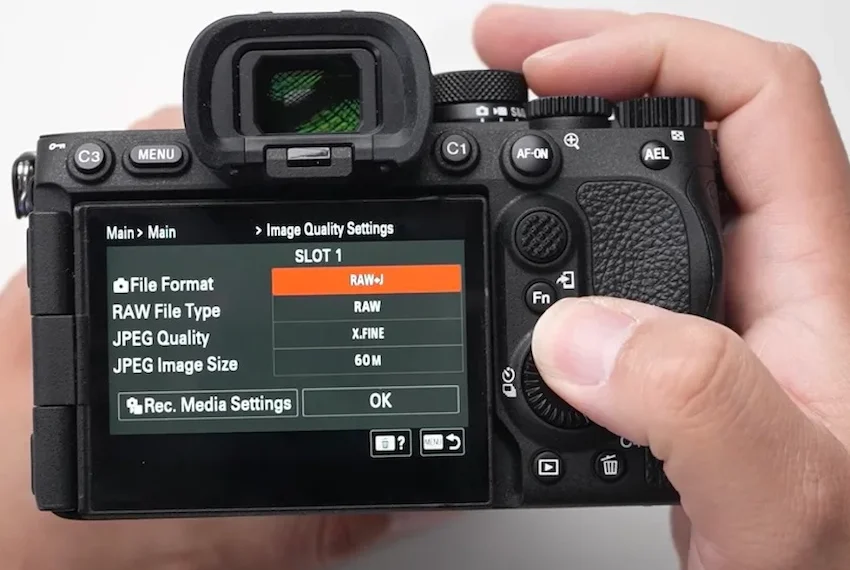
JPEG, RAW, RAW+JPEG, and HEIF each have a place in a photographer’s workflow. Learn what your camera file type changes and choose the format that fits the way you shoot.
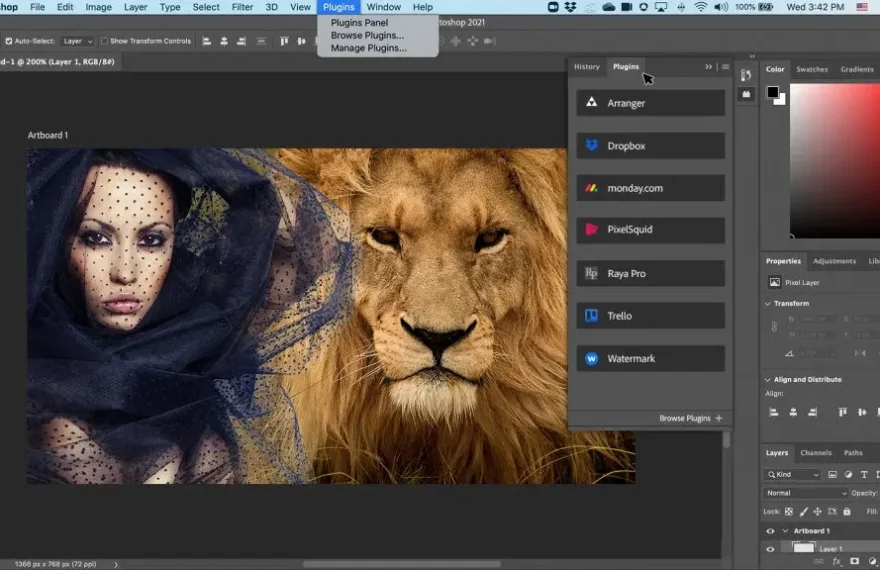
Learn a practical Photoshop photo editing workflow, from RAW corrections and layer masks to retouching, sharpening, and exporting images for web or print.
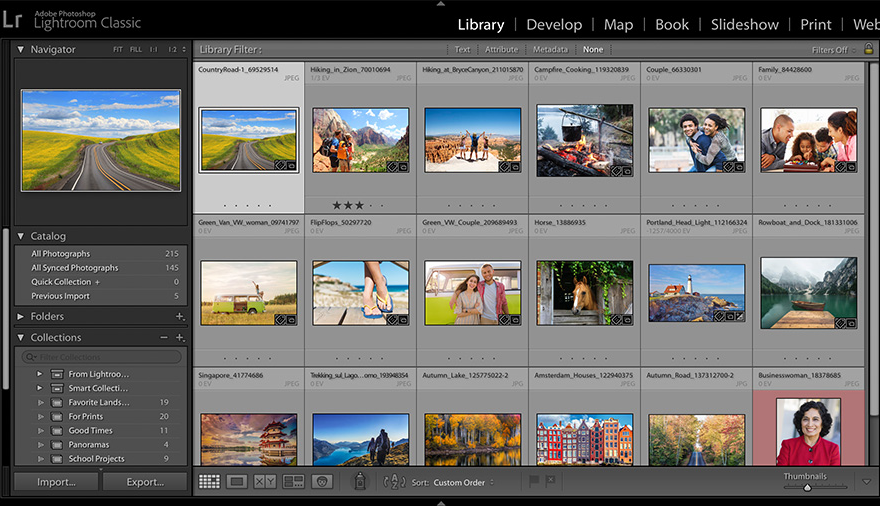
A messy Lightroom library makes every part of photography slower. Images go missing, edits become inconsistent, and a simple client export turns into a hunt through folders and half-finished adjustments. A dependable Adobe Lightroom workflow solves those problems by giving every shoot the same path: ingest, back up, cull, edit, organise, export, and archive. This […]
Learn the Photoshop shortcuts that make a practical difference in photo editing, from selections and masks to brushes, layers, crops, and custom commands.
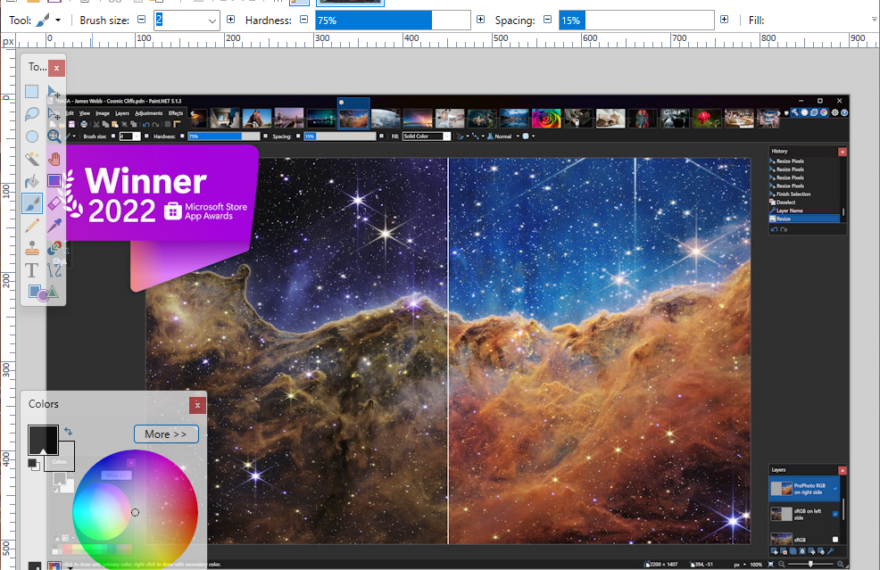
Paint.NET is a capable, beginner-friendly Windows photo editor with layers, selections, retouching tools, and useful adjustments. Learn a practical workflow for correcting, refining, and exporting better digital photos.
Learn how to create a natural film-inspired look from a digital photo using exposure, curves, color grading, grain, and subtle finishing touches.
White balance controls how warm, cool, green, or magenta your photographs appear. Learn when to use Auto White Balance, presets, custom settings, and creative color choices.