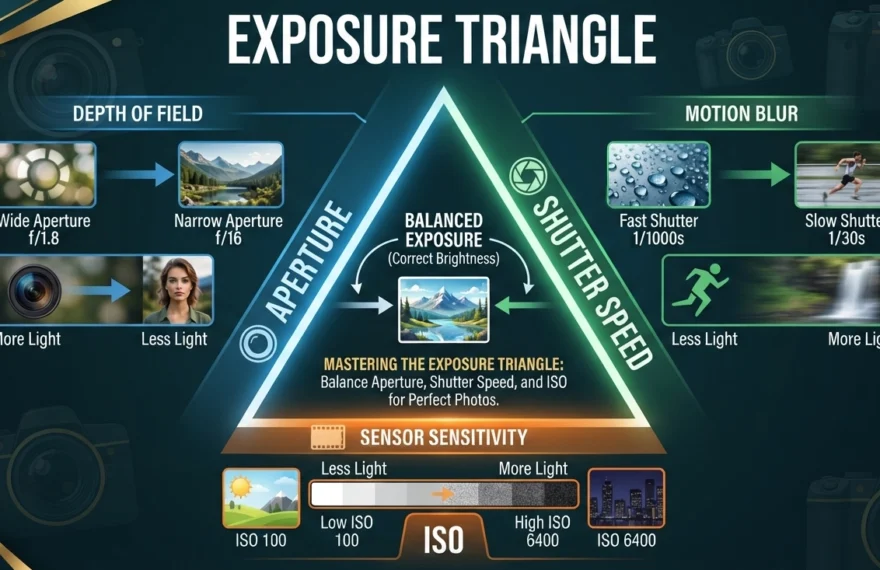
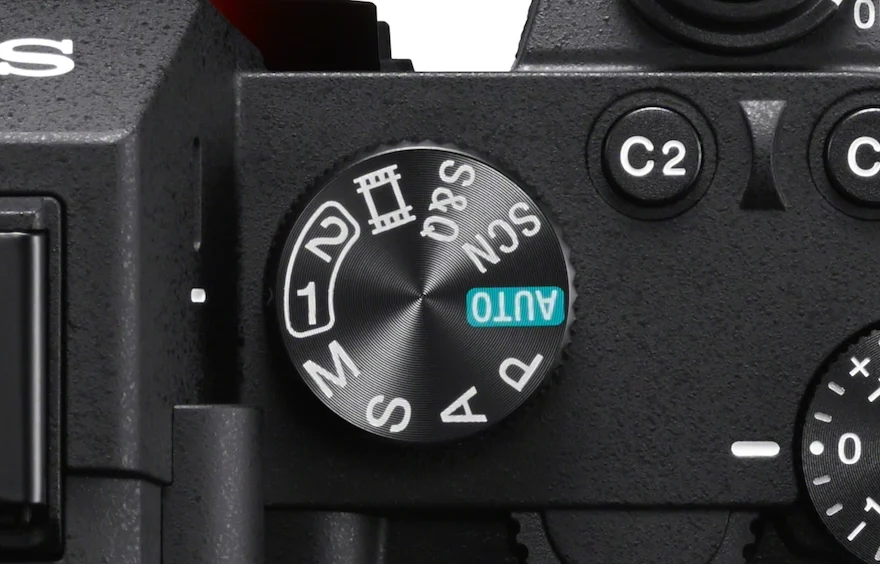
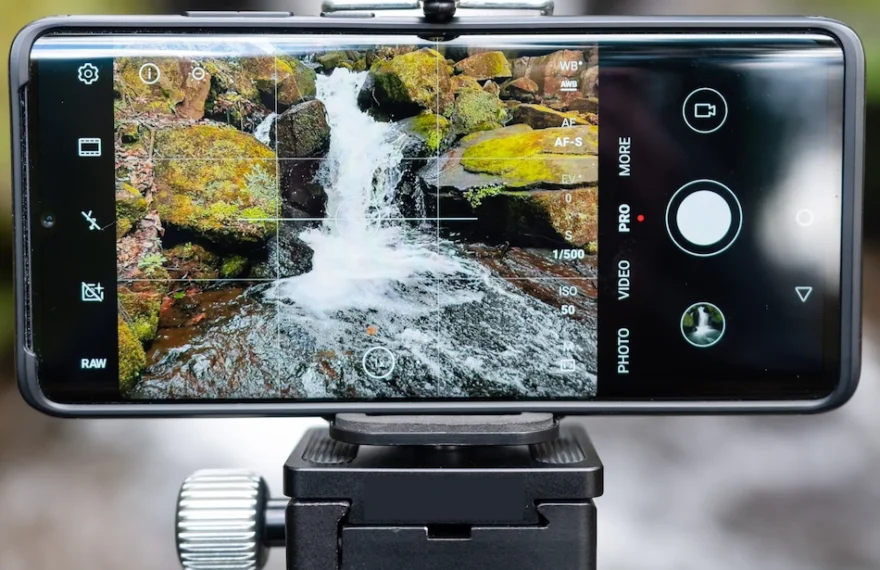
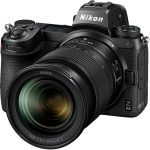
Aperture, shutter speed, and ISO all work together to control your photos. Here's how to balance the exposure triangle and finally leave Auto mode behind.
A practical guide to navigating international photography competitions, identifying high-value opportunities, understanding image rights, and building a sustainable entry strategy.
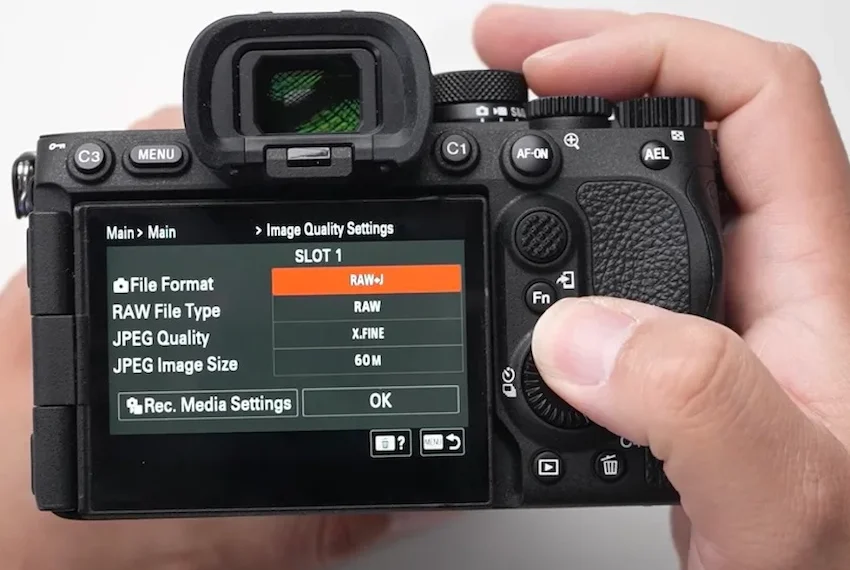
Learn a practical order for setting aperture, shutter speed, and ISO in manual mode. Use the meter and histogram to create sharp, consistently exposed photos without constant guessing.
A great smartphone photo rarely depends on having the newest phone or the most expensive accessories. It comes from noticing light, simplifying the frame, holding the camera steady, and taking a moment to make deliberate choices before pressing the shutter. Modern phone cameras can produce excellent images, but they also make many decisions automatically. That […]
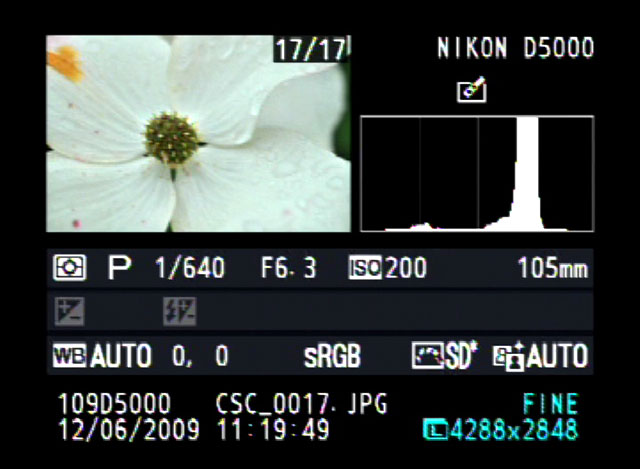
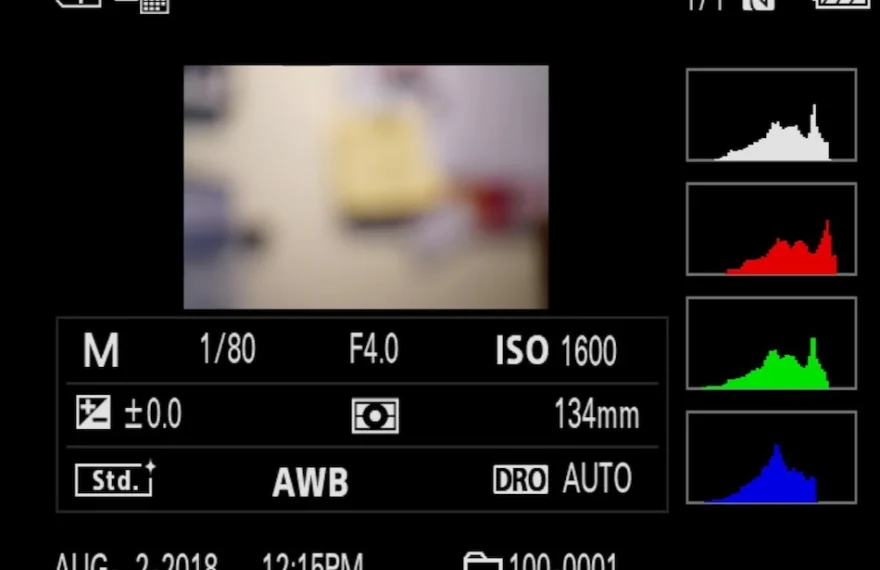
The histogram is one of photography's most misunderstood tools, but once you know how to read it, you'll never trust a bright LCD screen again. Here's a practical guide to using it in the field and in editing.
You have probably been there before. You are standing outside on a brilliant, sunny day, capturing what you think is the perfect landscape. You look at the small screen on the back of your digital camera, and the image looks fantastic. But later, when you load that same image onto your computer at home, you […]
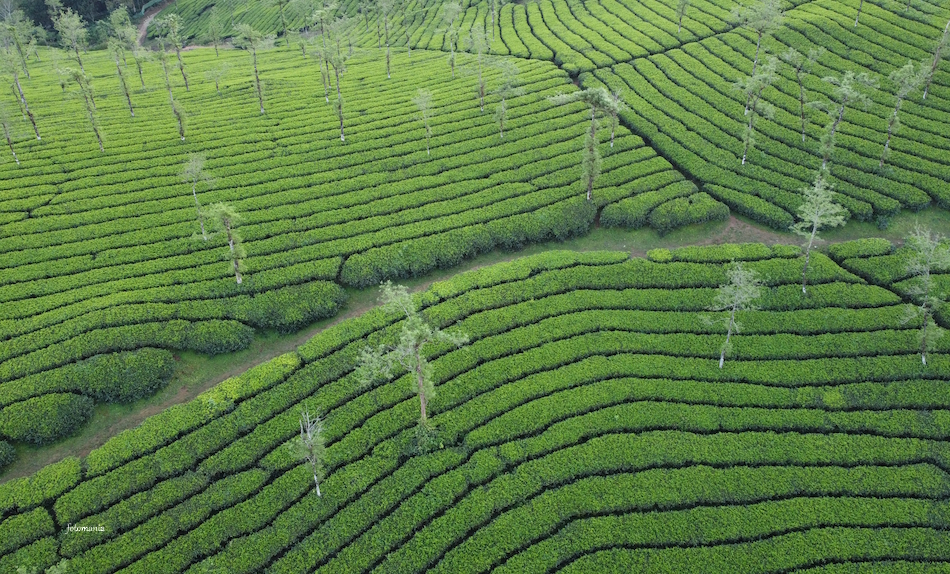
Metering mode determines how your camera measures light and suggests exposure. Learn when to use evaluative, center-weighted, spot, partial, and highlight-weighted metering for more reliable photos.
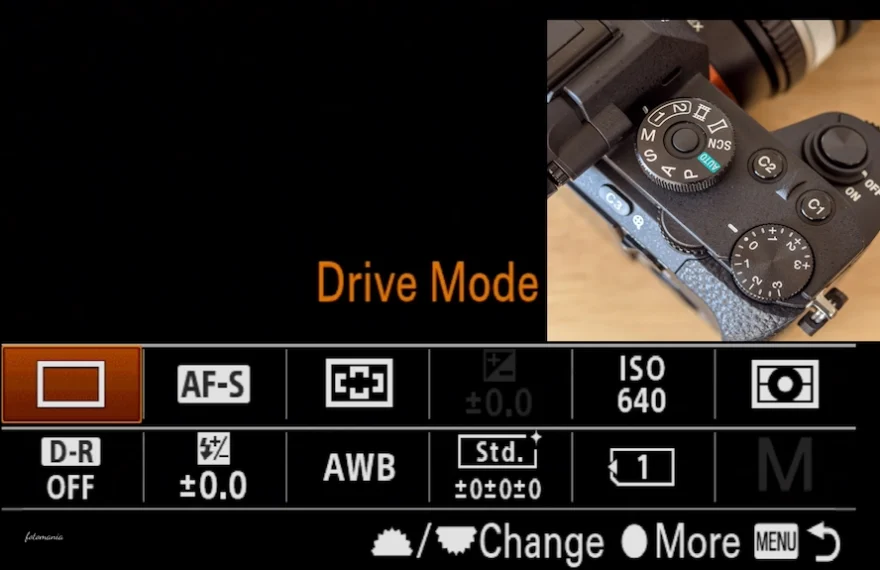
Drive modes control how your camera captures frames after you press the shutter. Learn when to use single shots, bursts, self-timers, silent mode, bracketing, and intervals.
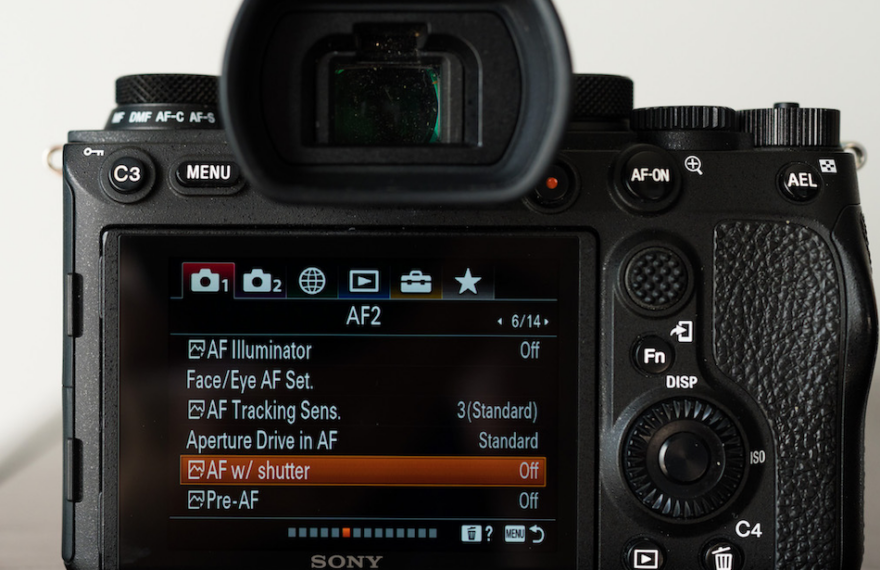
Back-button focus separates autofocus from the shutter button, giving photographers more control over still subjects, moving action, and recomposed frames. Learn how to set it up, when to use it, and when to skip it.
Paint.NET is a capable, beginner-friendly Windows photo editor with layers, selections, retouching tools, and useful adjustments. Learn a practical workflow for correcting, refining, and exporting better digital photos.